Before You Start
- Finish the business details step first.
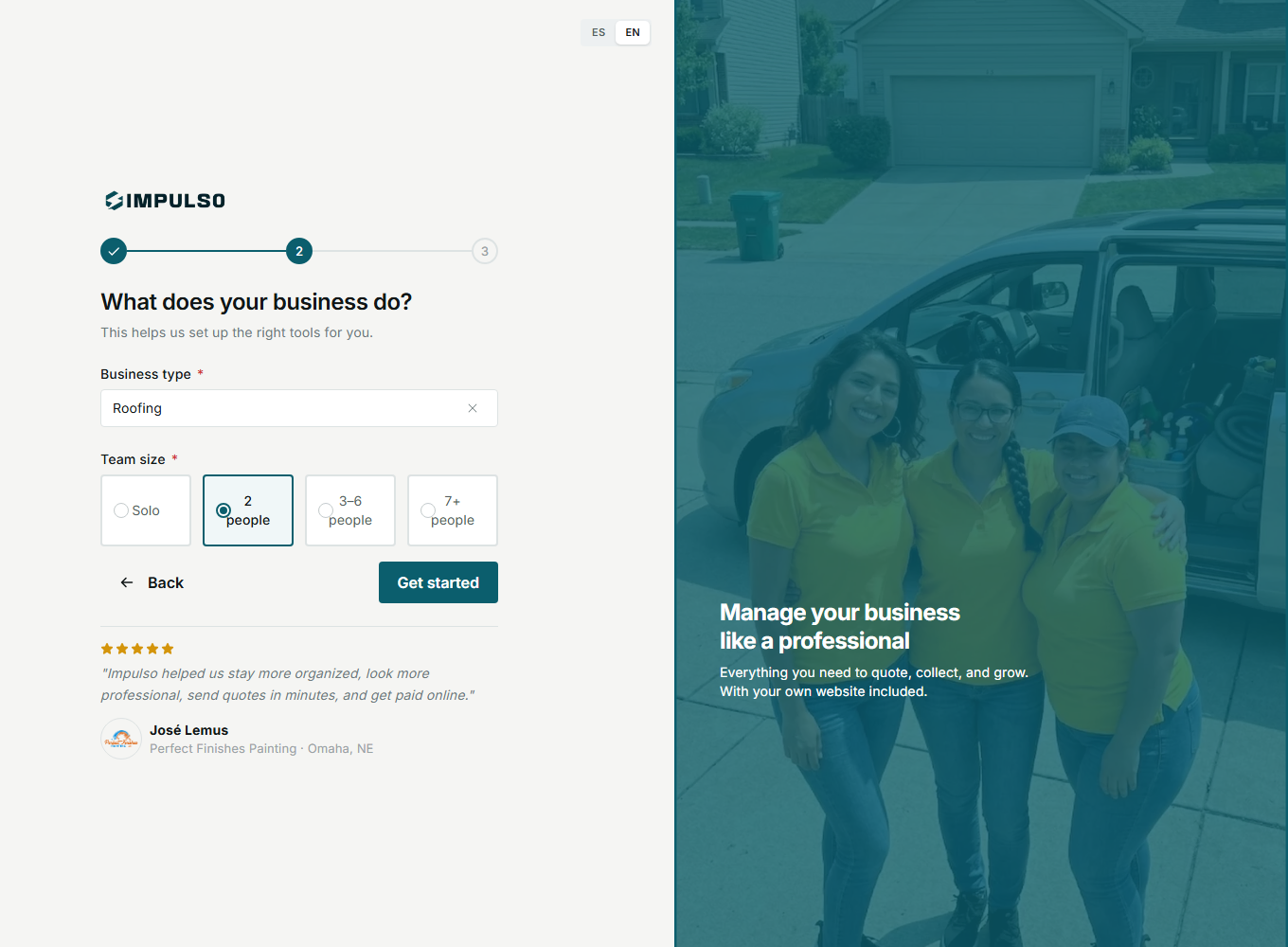
- Choose the industry that best describes your main work.
- Team size helps Impulso Pro prepare scheduling and job options.
1. Choose Industry And Team Size
- Click Search your industry.
- Type your main service, such as Roofing.
- Select your team size.
- Click Get started.
2. Review The Dashboard
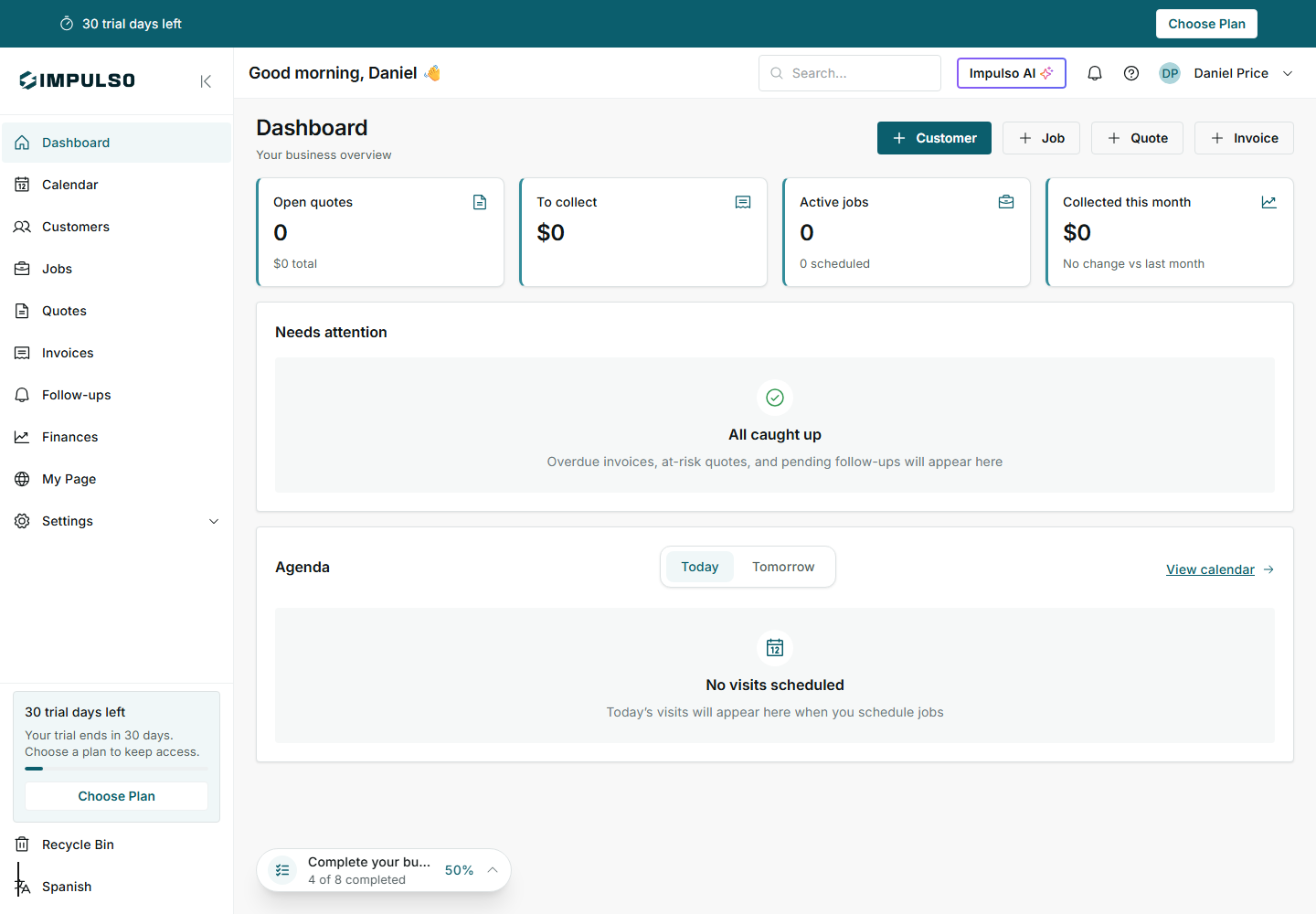
After setup, your dashboard shows quick actions for customers, jobs, quotes, and invoices. It also shows trial days and profile progress.