Overview
Onboarding has three parts: business details, industry/team size, and final setup. After that, your dashboard is ready for customers, jobs, quotes, and invoices.
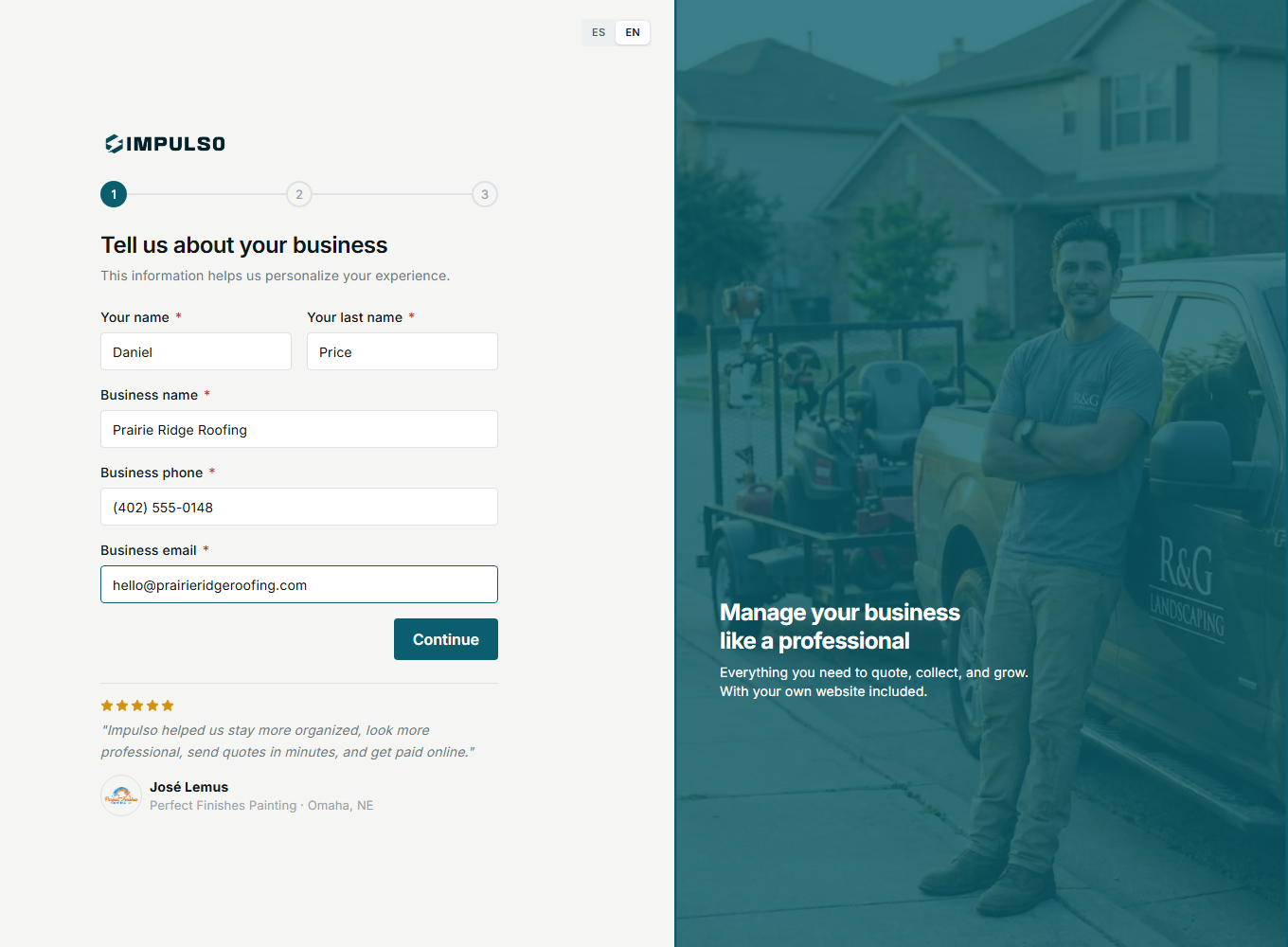
1. Add Business Details
Enter your name, business name, phone, and email. Use details you will recognize later in the app.
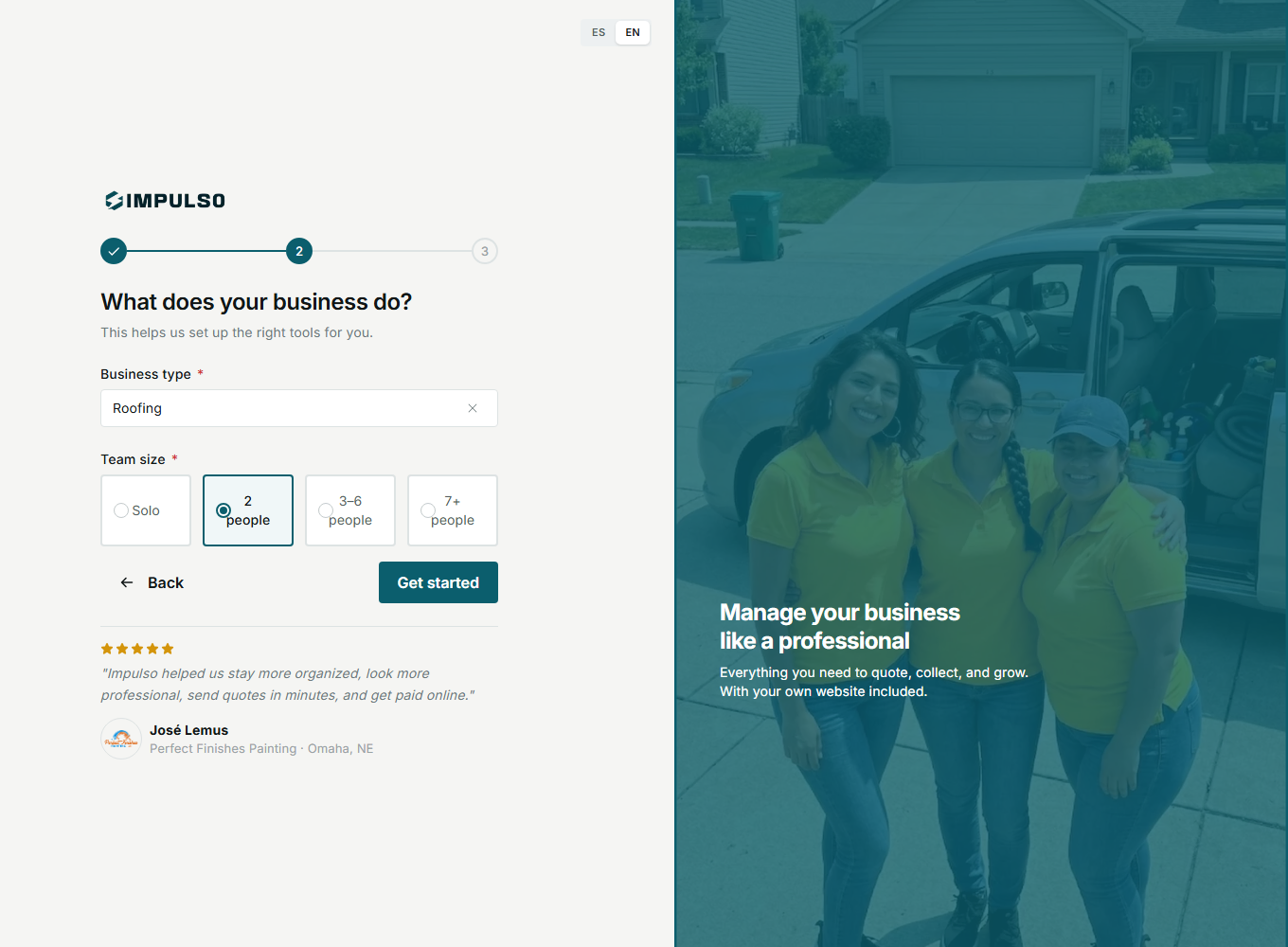
2. Choose Industry And Team Size
Select an industry such as Roofing and the current team size. This helps Impulso Pro prepare your workspace.
3. Enter The Dashboard
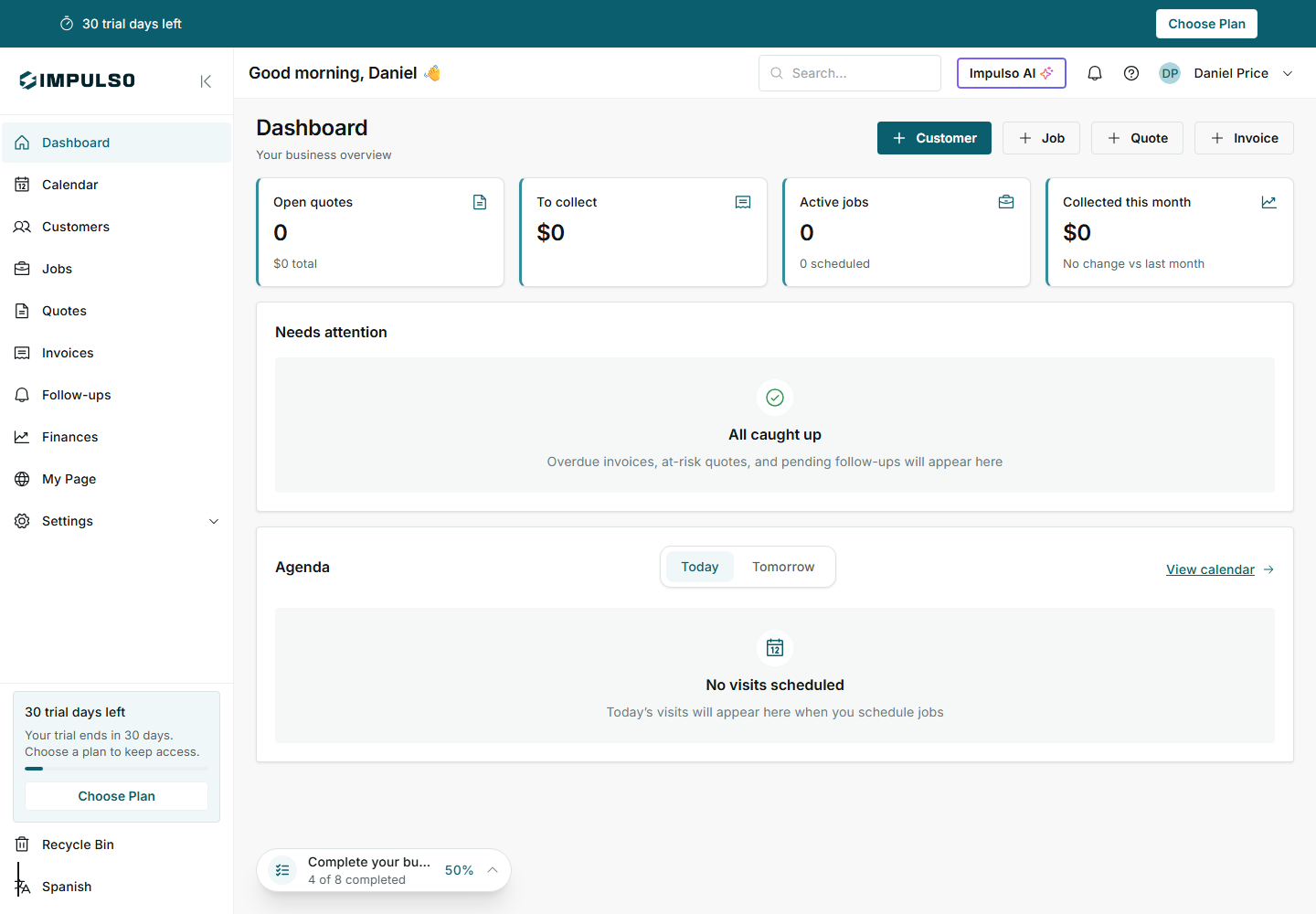
The dashboard shows quick actions, business totals, agenda, trial status, and profile progress.