

1. Review business information
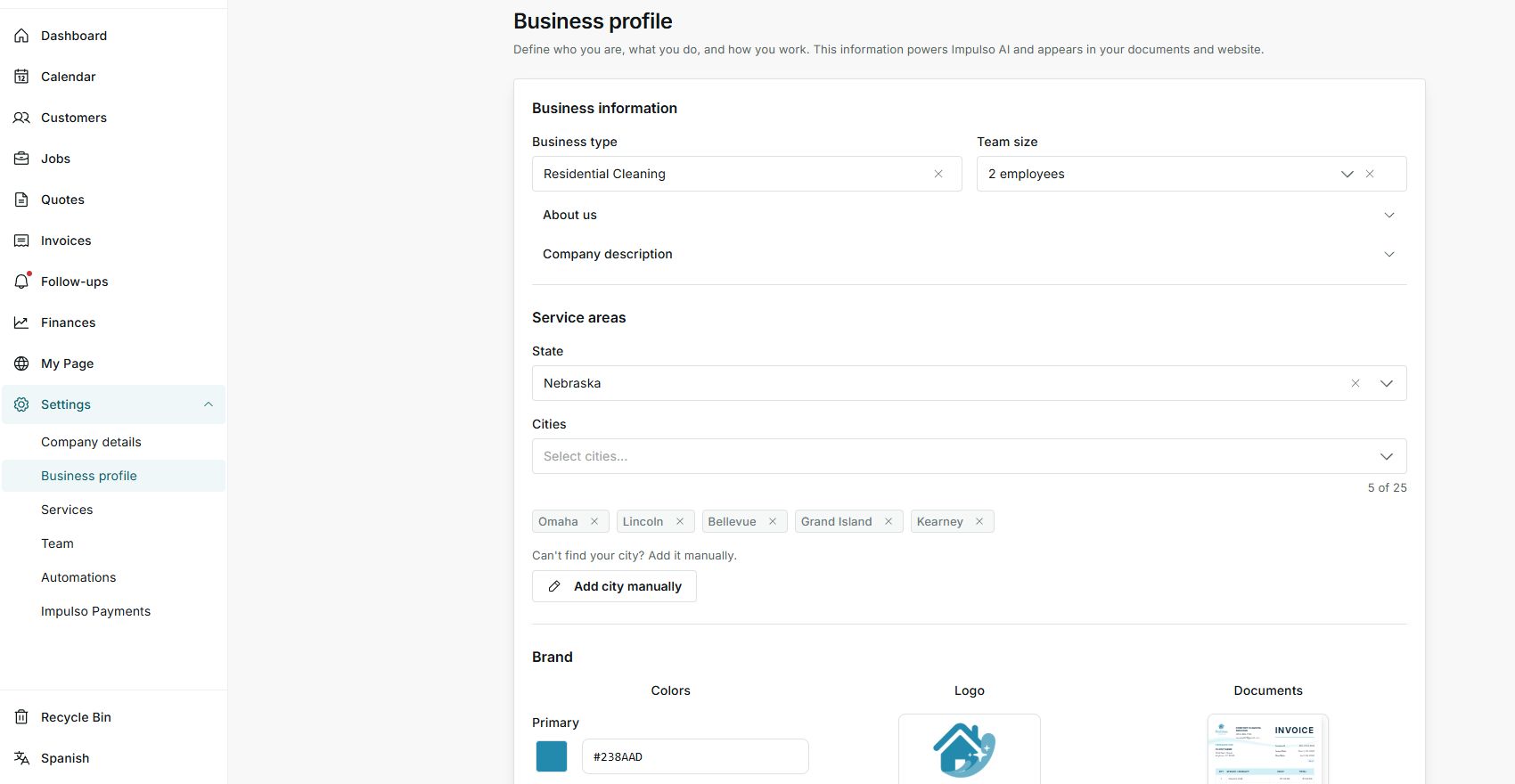
- Go to Settings > Business profile.
- Confirm business type and team size.
- Open About us or Company description to complete the text that explains what you do.
2. Define service areas
- Choose the state where you work.
- Add real cities inside your service area.
- Use Add city manually if a city does not appear in the list.
3. Review brand and social profiles
- Adjust colors and logo when you want documents and your public page to look consistent.
- Use the Documents preview to review how the brand looks.
- Add social profiles if customers use them to validate your business.
States you may see
- Saved
The profile was updated successfully.
Next step: Review documents or My Page if you want to see the result.
- Error
The change could not be kept.
Next step: Review the marked field and try again.
- Incomplete setup
An important profile detail is missing.
Next step: Complete the indicated section before relying on it.