

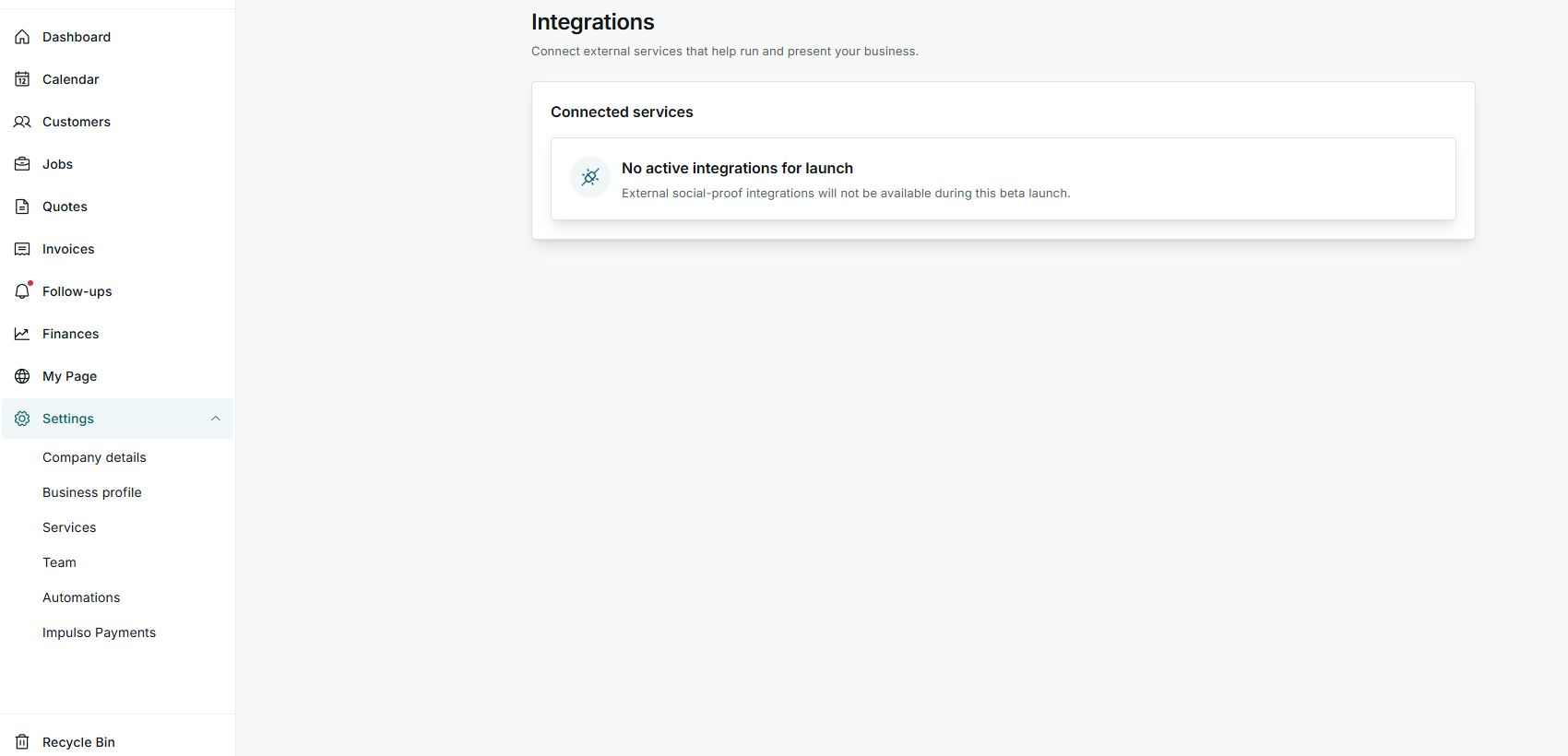
1. Open Integrations
- Go to Settings > Integrations.
- Review the Connected services block.
- If an integration is available, Impulso Pro will show the matching option on this screen.
2. Read the current status
- In the current capture, Impulso Pro shows No active integrations for launch.
- That means no external service is ready to connect from this account right now.
- Do not try to connect a service from another screen if Integrations does not offer it here.
3. What to do next
- Use Impulso Pro built-in features while the integration is not active.
- Return to this screen when new integrations are announced.
- If you expected to see an integration, contact support with the service name you need.
States you may see
- No active integrations for launch
No external services are available to connect from this screen.
Next step: Use built-in features and check again later.
- Connected
An external service is already linked to the account.
Next step: Review what it shares before relying on it.
- Not connected
The service exists but is not linked yet.
Next step: Connect it only when Impulso Pro shows a safe option to do so.