

Before you start
- Use My Page from an Owner/Admin account.
- Do not press Save, Delete, Publish, Copy link, Download, or Send when you are only reviewing.
- Public-facing data may be in English when the business serves customers in the United States.
1. Complete the foundation
- Review business name, business type, and main services.
- Use real services such as residential cleaning, move-out cleaning, or post-construction cleaning.
- Do not continue if a value does not match your business.
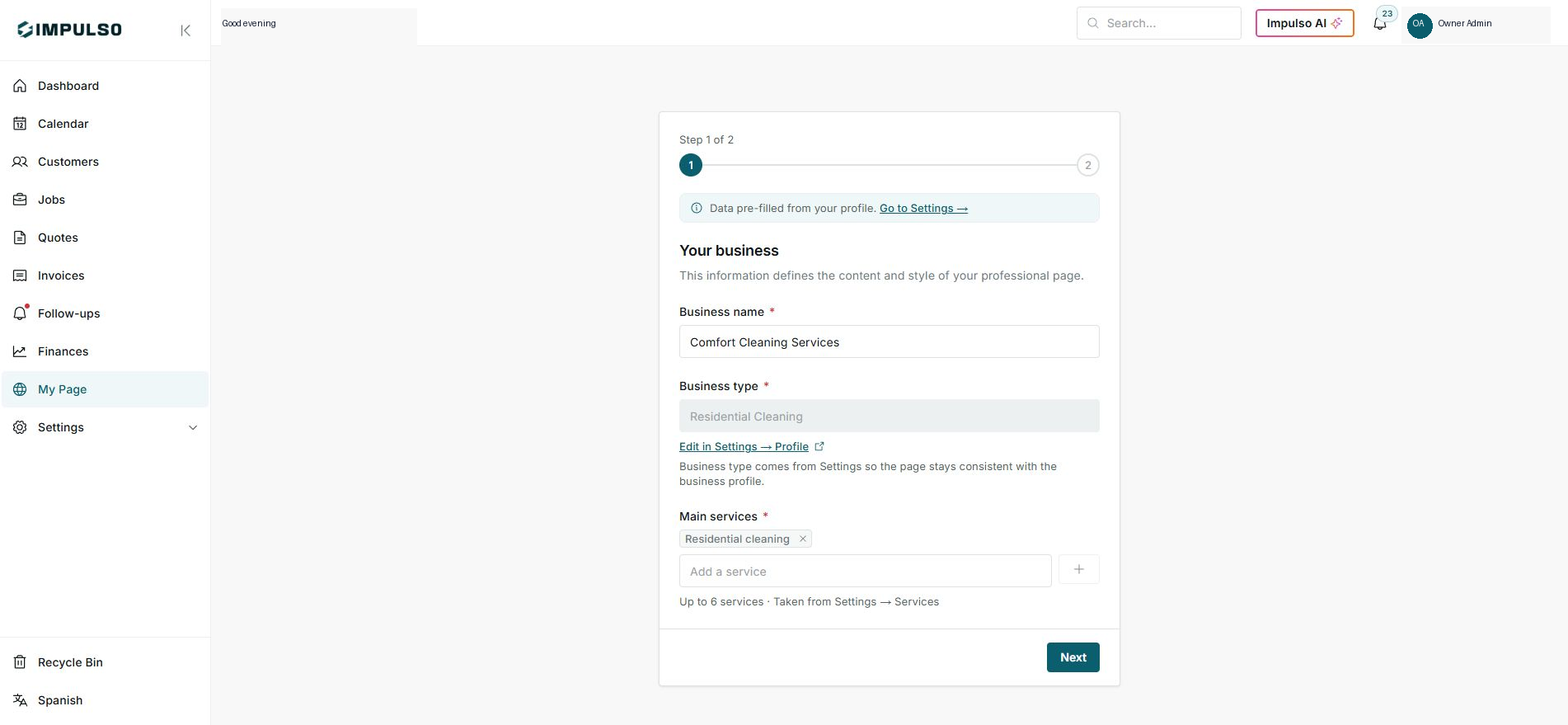
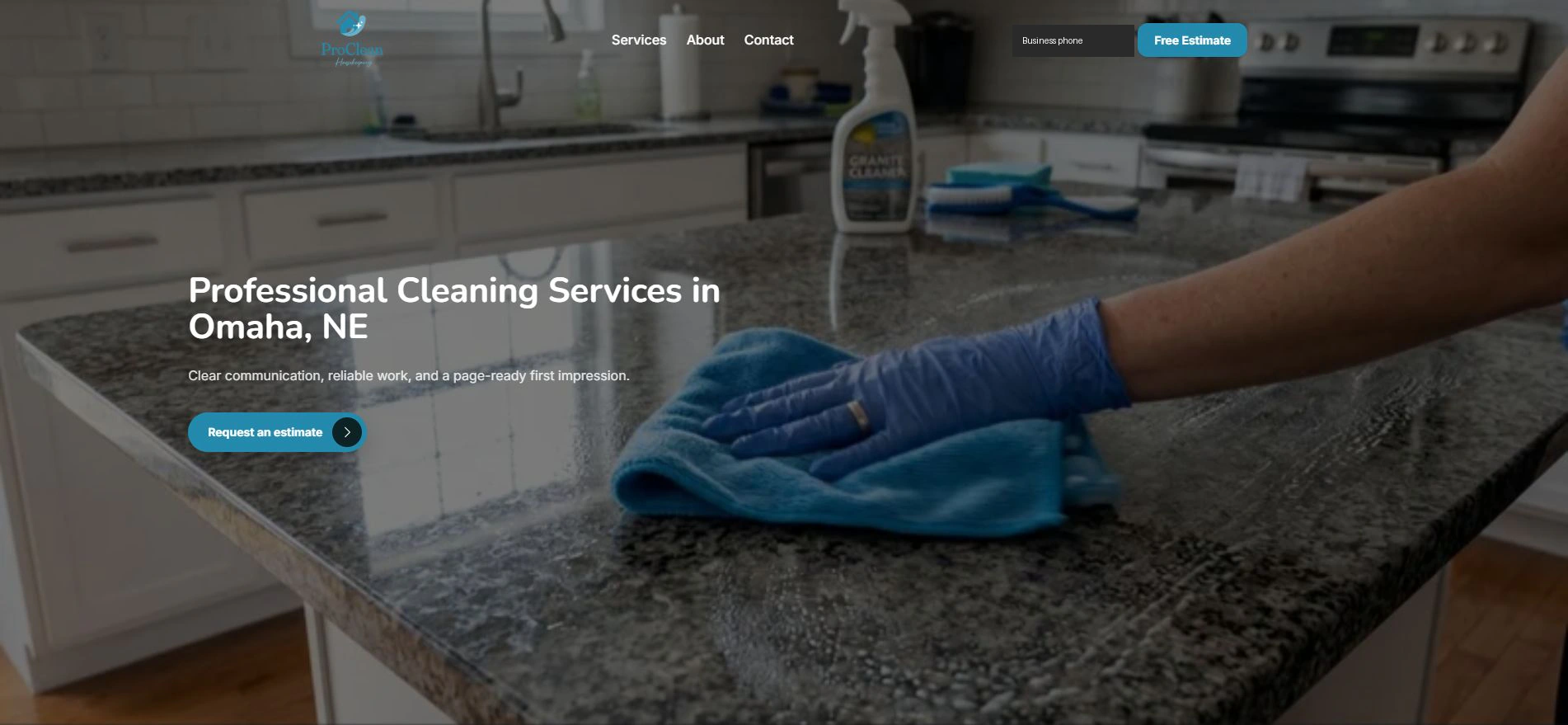
2. Review the public page
- The public page shows hero, services, estimate call-to-action, and contact details.
- Content can be in English when that is the language of your customers.
- Validate image, offer, and CTA before sharing.
3. Publish only when ready
- If data is missing, return to Settings or the editor.
- Share the link only when the site is published.
- Do not send review forms from the final page.
Statuses and options you may see
- Draft
Means: The page is not ready to share yet.
Next step: Complete information before publishing.
- Incomplete setup
Means: Required data is missing.
Next step: Fix required fields.
- Published
Means: The page can receive visitors.
Next step: Review the public site.
- Free Estimate
Means: Public call-to-action for an estimate.
Next step: Do not use it to send data when reviewing.