

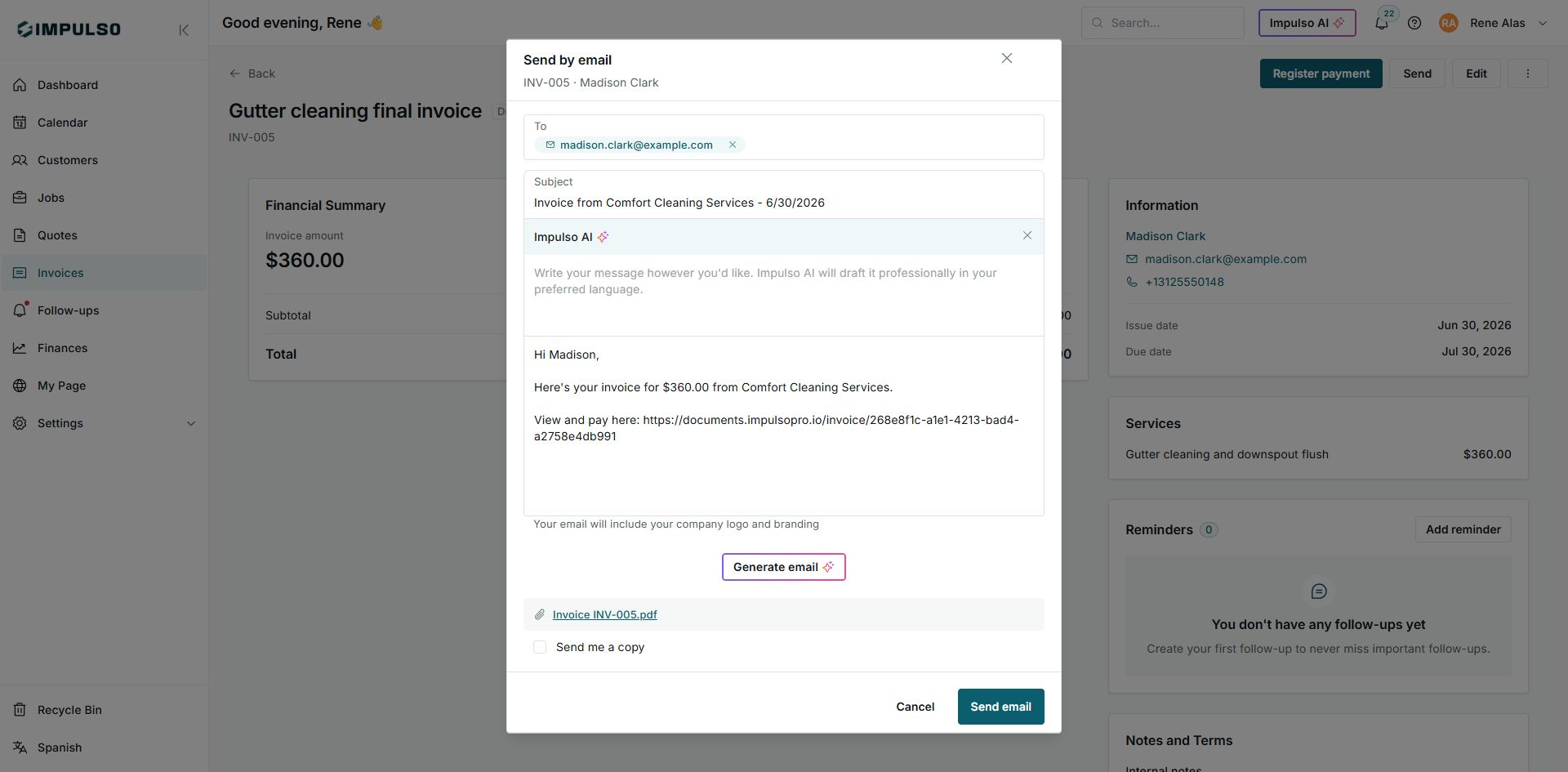
1. Review the Message
- Open the email send dialog.
- Review the Subject field.
- Edit the message so it is clear and professional.
- Confirm the payment link and PDF are included.
2. Use Impulso AI
If you want a more polished version, write instructions in the Impulso AI field and generate a suggestion. Always review the result before sending.