

1. Open the public website
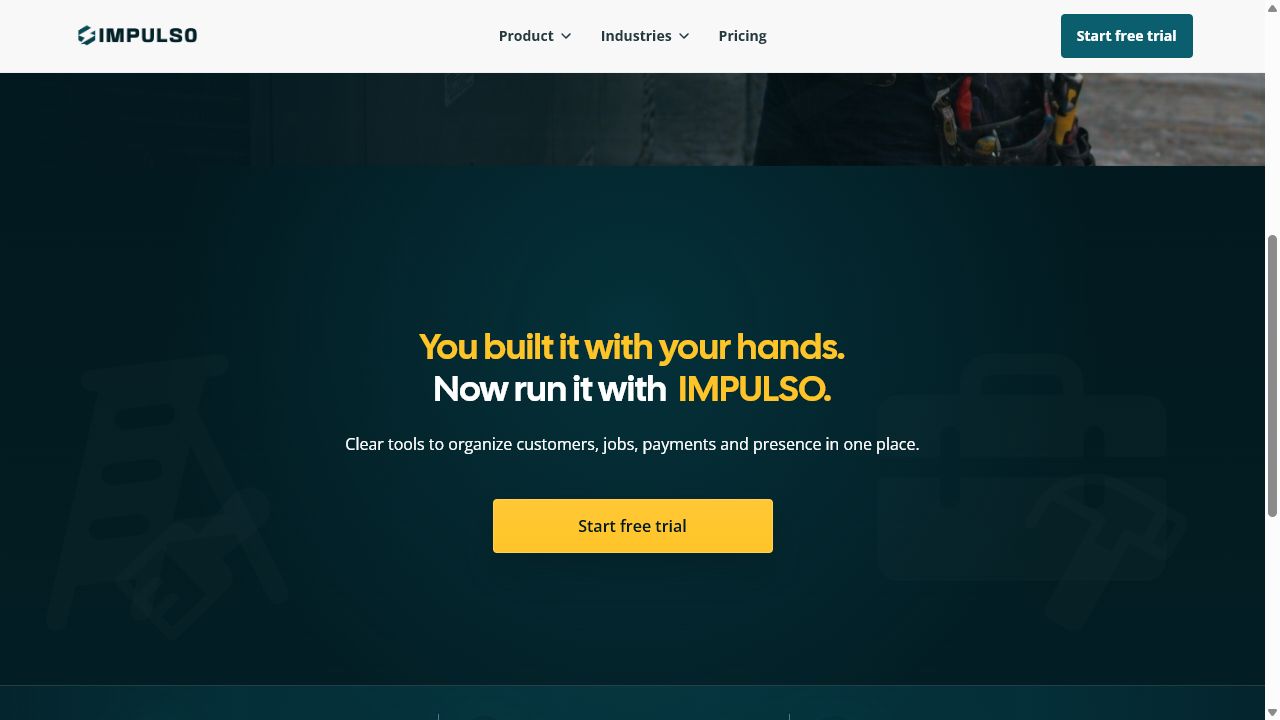
- Open the Impulso Pro public website.
- Use the top menu to review Product, Industries, or Pricing.
- Use Español if you want to review the website in Spanish before continuing.

2. Choose whether to sign in or create an account
- Click Sign in if you already have an account.
- Click Start free trial if you are creating a new account.
- Review the public offer before signing up if you need to compare the plan details available on the website.
3. Continue inside Impulso Pro
- If you sign in, Impulso Pro opens your workspace.
- If you start a trial, complete sign-up and follow the verification instructions.
- You do not need to submit a public website form to read the main information.
Messages and options you may see
- Public
Means: The page is available without signing in.
Next step: Review product, industries, and pricing before creating your account.
- Start free trial
Means: Opens sign-up for a new account.
Next step: Use it when you are ready to start a trial.
- Sign in
Means: Opens the entry page for users who already have an account.
Next step: Use it if your business is already in Impulso Pro.
- Español
Means: Switches the public website to Spanish.
Next step: Use it when you prefer to review the information in Spanish.