

Before you start
- Use My Page from an Owner/Admin account.
- Do not press Save, Delete, Publish, Copy link, Download, or Send when you are only reviewing.
- Public-facing data may be in English when the business serves customers in the United States.
1. Open the view link
- In Settings, use View site.
- You can also open View website from the hub.
- Review the domain that will open.
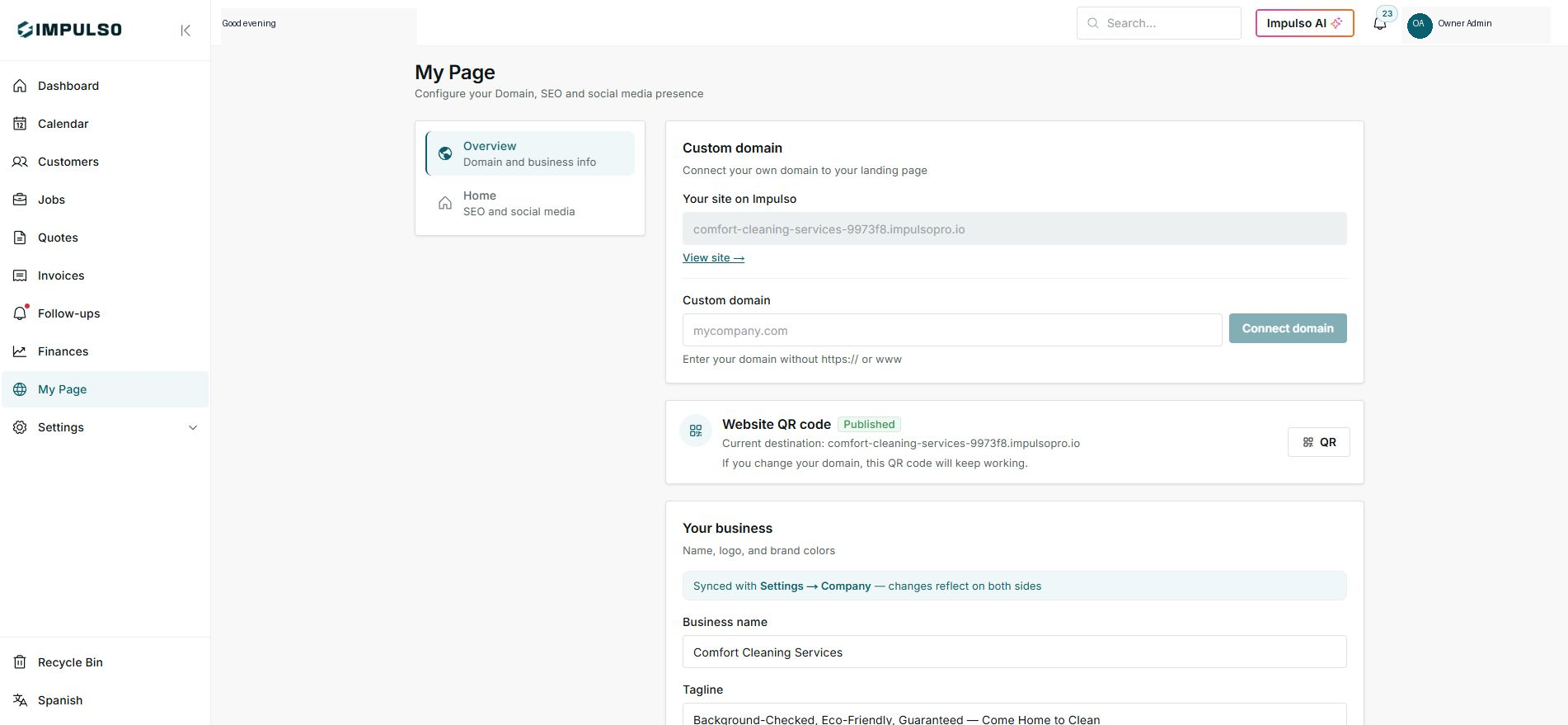
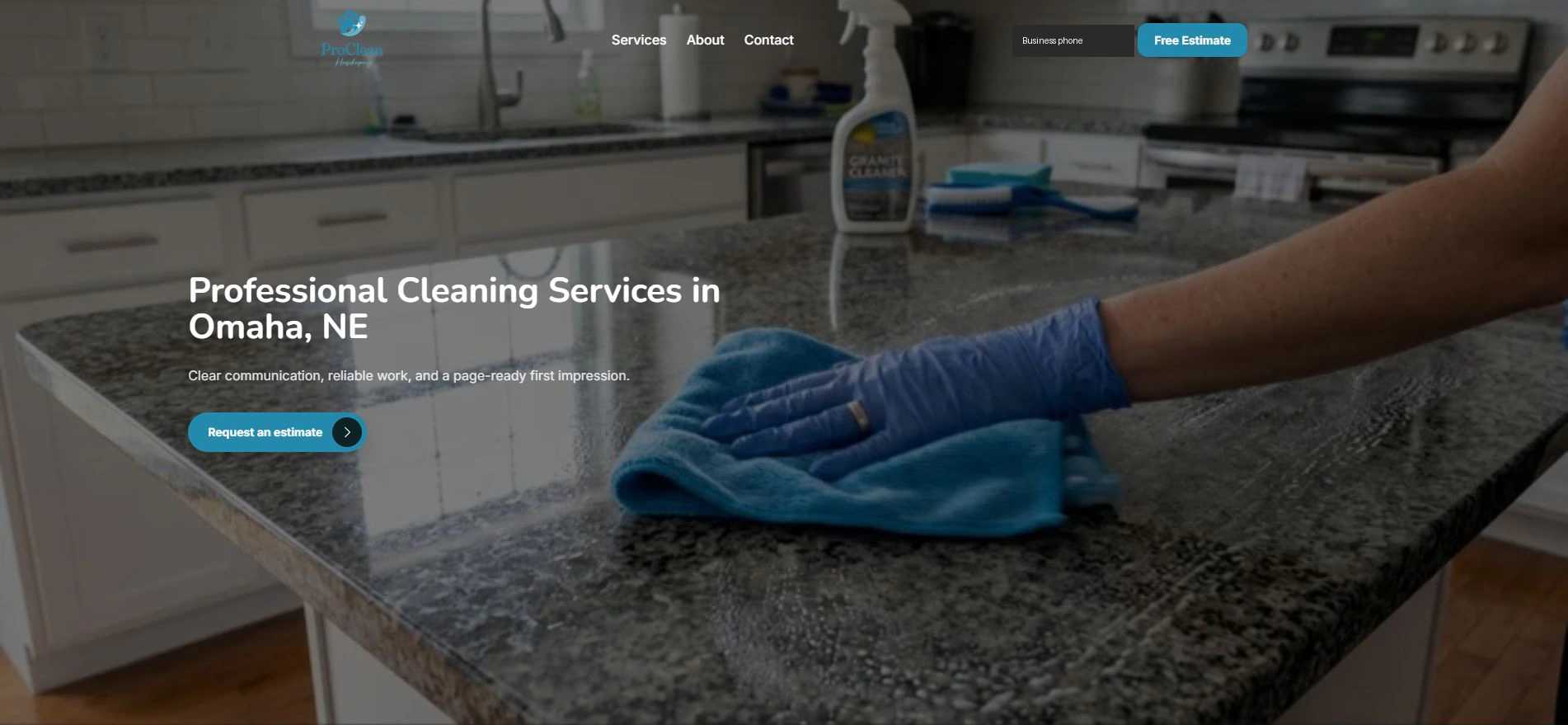
2. Review the public version
- Confirm hero, services, CTA, and contact details.
- The public page can be in English when that is your customer-facing content.
- Do not submit the form during review.
3. Return to correct
- If something is wrong, return to the editor.
- Save changes only when content is ready.
- After saving, preview again.
Statuses and options you may see
- View site
Means: Opens the public version.
Next step: Use it before sharing.
- Published
Means: The site can receive visitors.
Next step: Confirm content and contact.
- Free Estimate
Means: Public CTA.
Next step: Do not use it to send data during review.
- Save changes
Means: Applies settings edits.
Next step: Use it only after reviewing.