

Before you start
- Use this screen when reviewing today's field work.
- Do not press Clock in, Lunch, or General if you are only reviewing.
- Assigned visits appear here when work is scheduled for today.
1. Open Field Today
- Go to Field > Today.
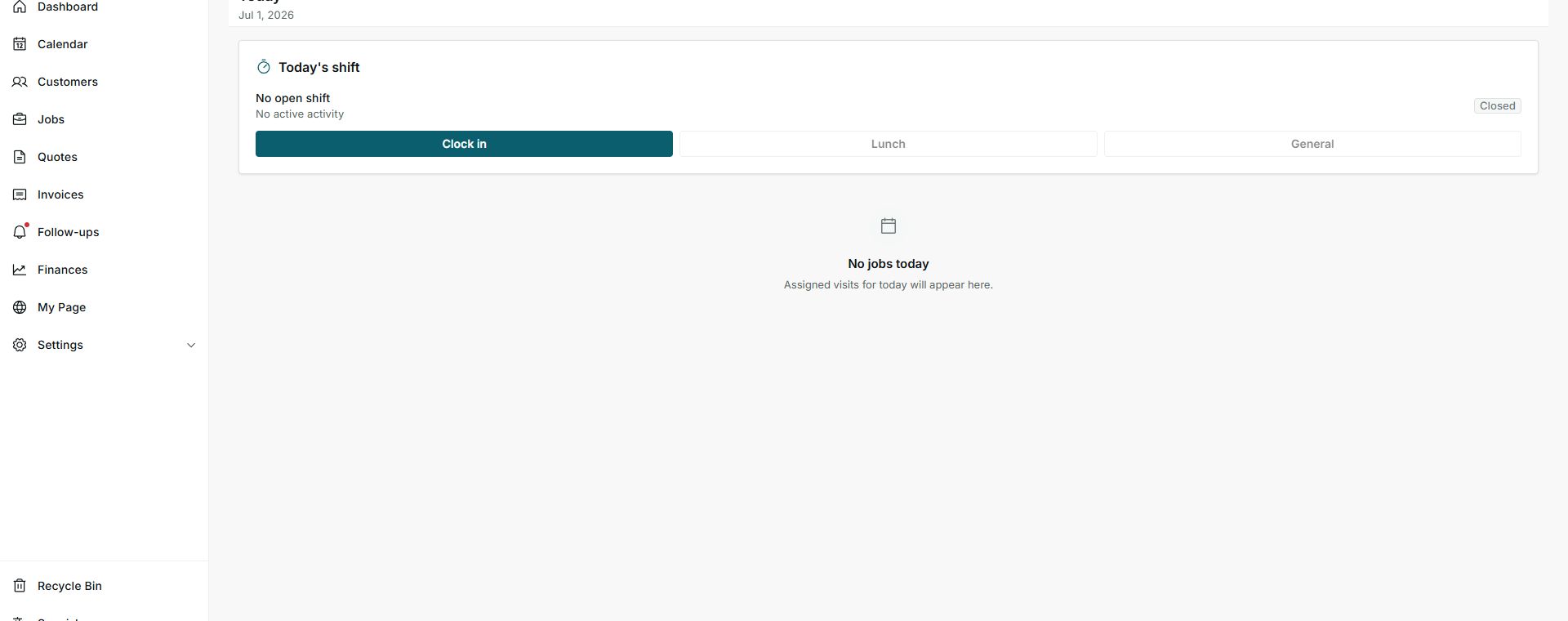
- Review the visible date at the top.
- Read Today's shift before changing your status.
2. Review shift and jobs
- No open shift means no field shift is running.
- No active activity means you are not in an activity such as Lunch or General.
- No jobs today means no visits are assigned for this date.
Statuses and options you may see
- No open shift
Meaning: You have not started a field shift yet.
Next step: Use Clock in only when you are starting real field work.
- No active activity
Meaning: No secondary activity is running.
Next step: Use Lunch or General only when appropriate.
- Closed
Meaning: The shift is closed.
Next step: Clock in when you are starting field work.
- Clock in
Meaning: Starts the shift.
Next step: Do not press it during a documentation review.
- No jobs today
Meaning: No visits are assigned for today.
Next step: Check Field > Jobs for upcoming days.