

Before you start
- Use AI as operational support, not as a replacement for your judgment.
- Confirm amounts, customers, dates, and messages before acting.
- For payments, taxes, contracts, or sensitive decisions, review the information with the responsible person.
1. Review what help is available
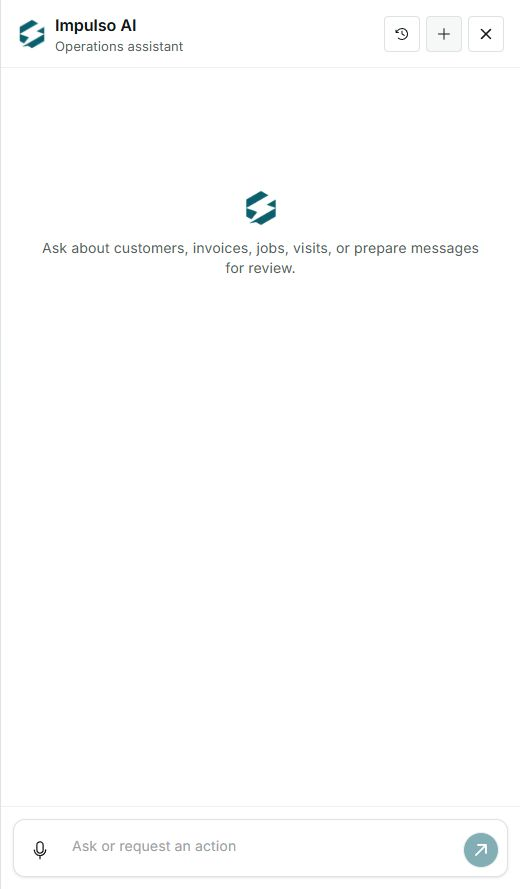
- The panel says you can ask about customers, invoices, jobs, and visits.
- It can also prepare messages for you to review before sending.
- If you need something outside those areas, use the matching Impulso Pro screen.
2. Stay within safe actions
- Ask for summaries, lookups, and drafts when you want to save time.
- Avoid requesting final changes if you are not ready to review them.
- If something looks wrong, open the original record before continuing.
3. Use human review for important work
- Before sending messages, review recipient and content.
- Before recording payments or operational changes, verify the real state in invoices, jobs, or customers.
- If AI cannot complete something, use the normal Impulso Pro buttons and screens.
Statuses and options you may see
- Customers, invoices, jobs, and visits
Meaning: Main areas the panel lists as available for questions.
Next step: Use names, numbers, or dates to locate information better.
- Prepare messages
Meaning: AI can help draft messages for review.
Next step: Do not treat a draft as sent until it is approved.
- Review
Meaning: Step where you confirm information before acting.
Next step: Always do this for collections, schedule, and communications.
- Not available
Meaning: Possible state when an action is not ready or does not apply.
Next step: Use the normal screen or contact support if you need help.