

Before you start
- Use My Page from an Owner/Admin account.
- Do not press Save, Delete, Publish, Copy link, Download, or Send when you are only reviewing.
- Public-facing data may be in English when the business serves customers in the United States.
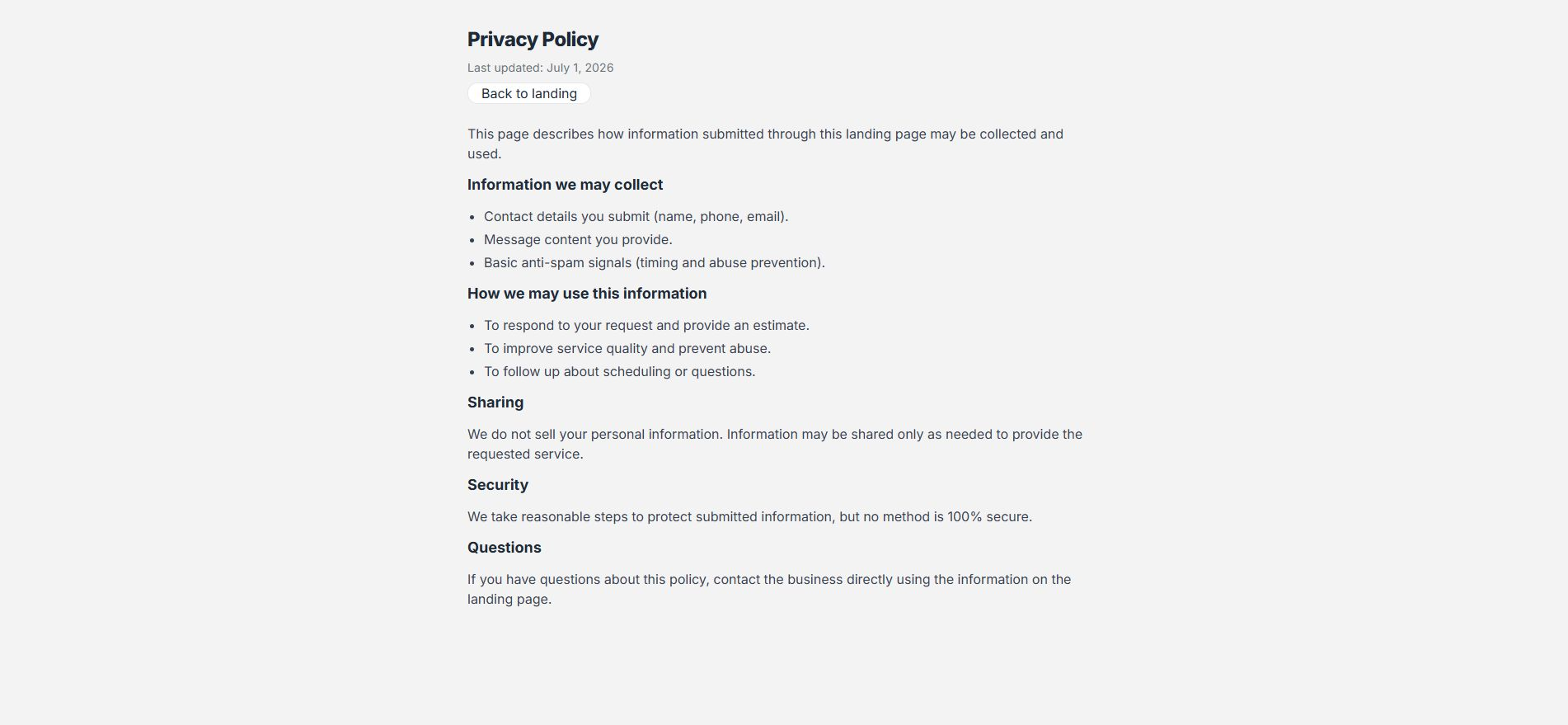
1. Open Privacy policy
- From the public page, open Privacy policy.
- Review what information may be collected.
- Confirm it explains how requests are used.
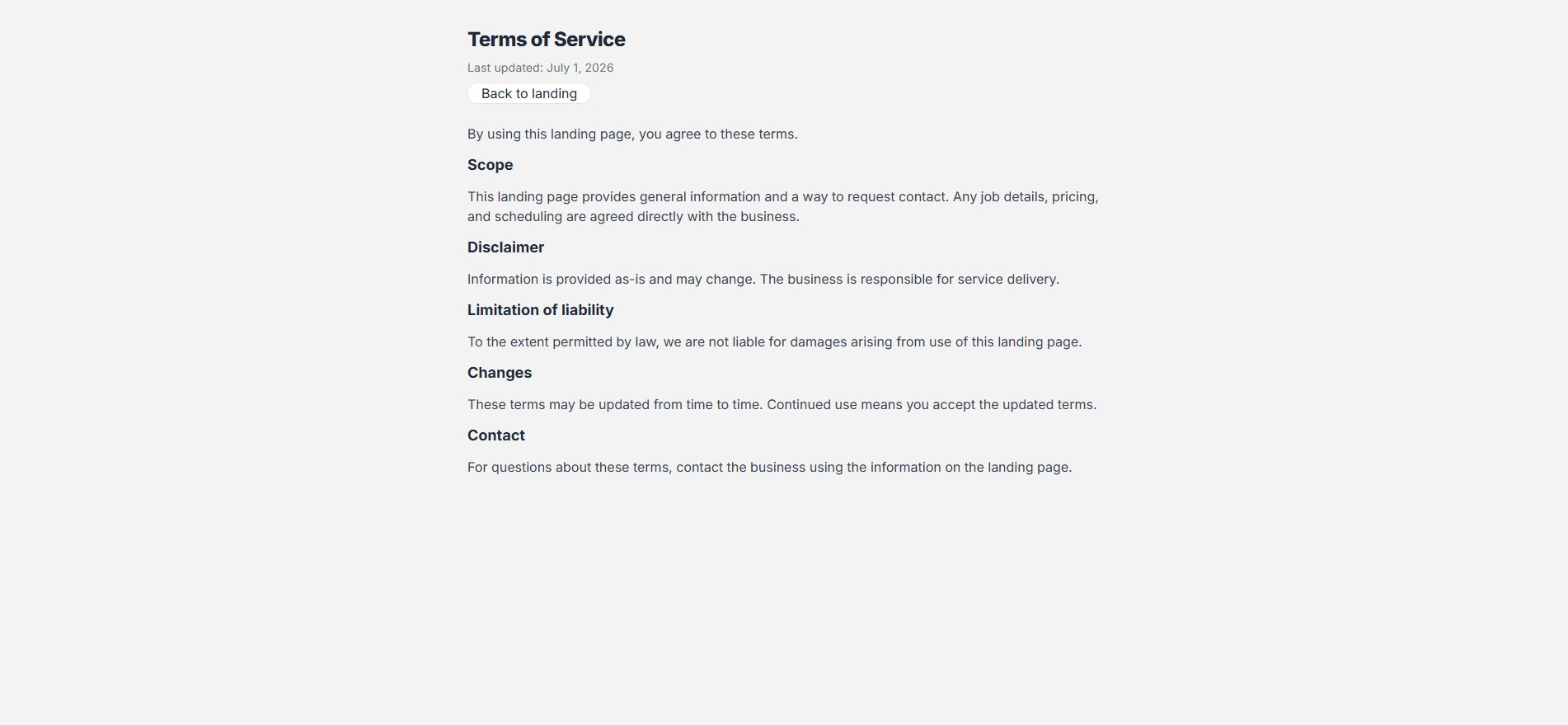
2. Open Terms of service
- Open Terms of service.
- Review scope, disclaimer, and contact guidance.
- Return to the landing page with Back to landing.
3. Use them as reference
- These pages help visitors understand the form.
- They do not replace legal advice.
- Update your pages if your business needs specific terms.
Statuses and options you may see
- Privacy policy
Means: Explains collected data and use.
Next step: Review it before sharing the page.
- Terms of service
Means: Explains general conditions.
Next step: Get advice if you need custom terms.
- Back to landing
Means: Returns to the main page.
Next step: Use it to keep reviewing.
- Last updated
Means: Update date.
Next step: Confirm it is current.