

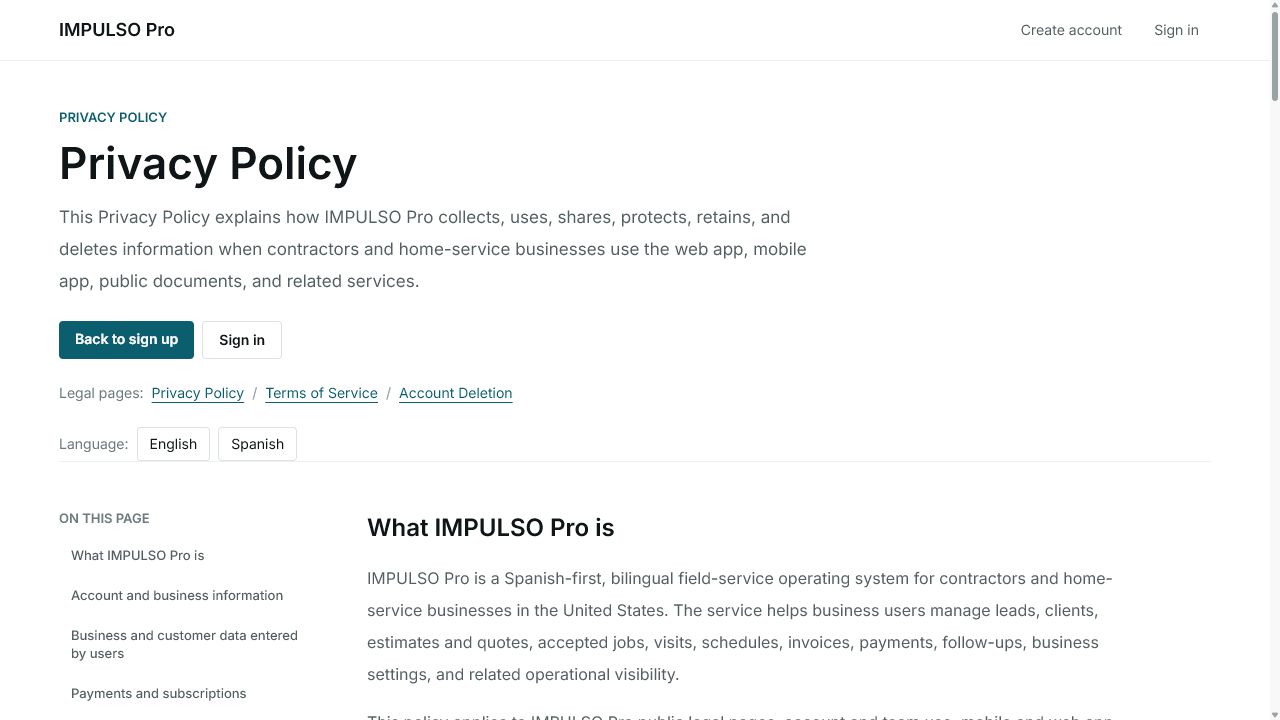
1. Open Privacy Policy
- Open the Privacy Policy page.
- Confirm the page is in English.
- Use the page contents to jump to account, payments, customer data, or security sections.
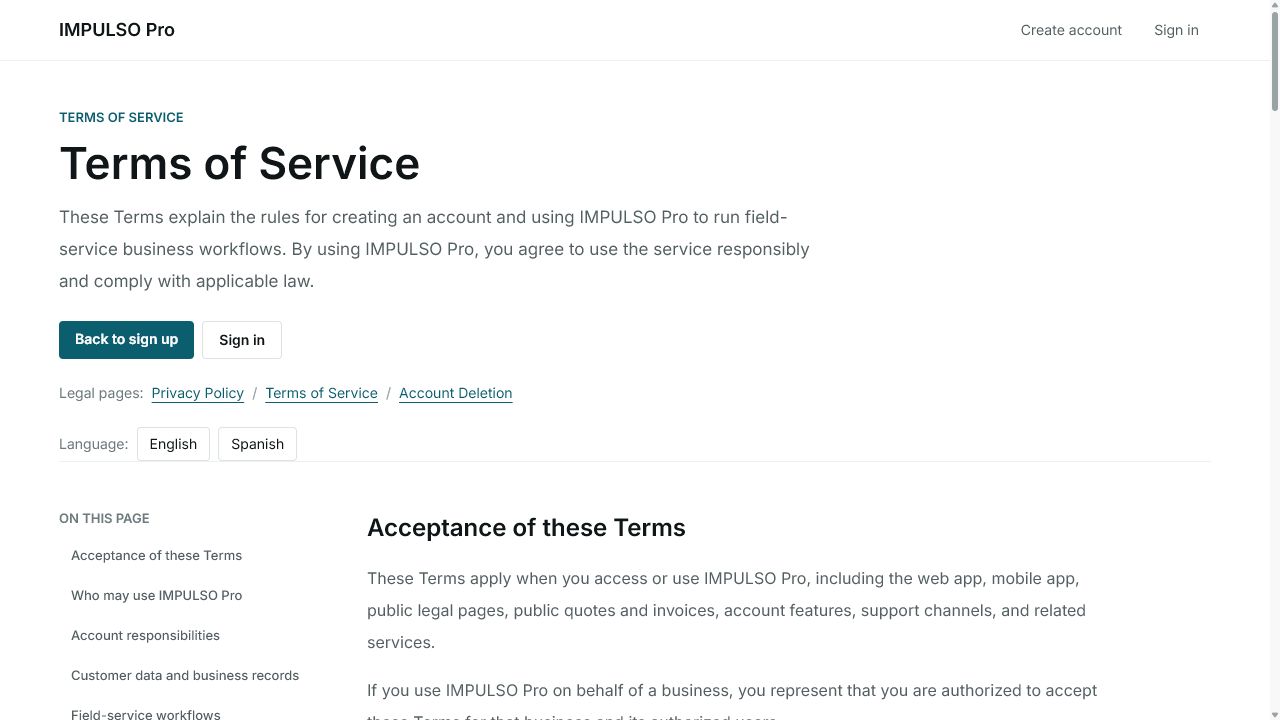
2. Open Terms of Service
- Open Terms of Service from the legal pages.
- Review use, subscriptions, third-party services, and availability sections.
- Use Account Deletion if you need to review the request process.
3. Change language if needed
- Use Spanish to read the Spanish version.
- Use English to return to the English version.
- If a public marketing-site link does not open, use app.impulsopro.io/en/privacy or app.impulsopro.io/en/terms.
Options you may see
- Privacy Policy
Means: Legal page about information Impulso Pro collects, uses, protects, and retains.
Next step: Read it if you need details about account, business, customer, or payment data.
- Terms of Service
Means: Legal page with rules for using Impulso Pro.
Next step: Review it before creating an account, subscribing, or using business workflows.
- Account Deletion
Means: Legal page with the account deletion request process.
Next step: Open it if you need to request deletion or understand retained data.
- English / Spanish
Means: Switches the legal page language.
Next step: Choose the language you prefer before sharing the link.