

Before You Start
- Use the business name your customers recognize.
- Enter the phone and email you want customers to see.
- You can adjust business details later from Settings.
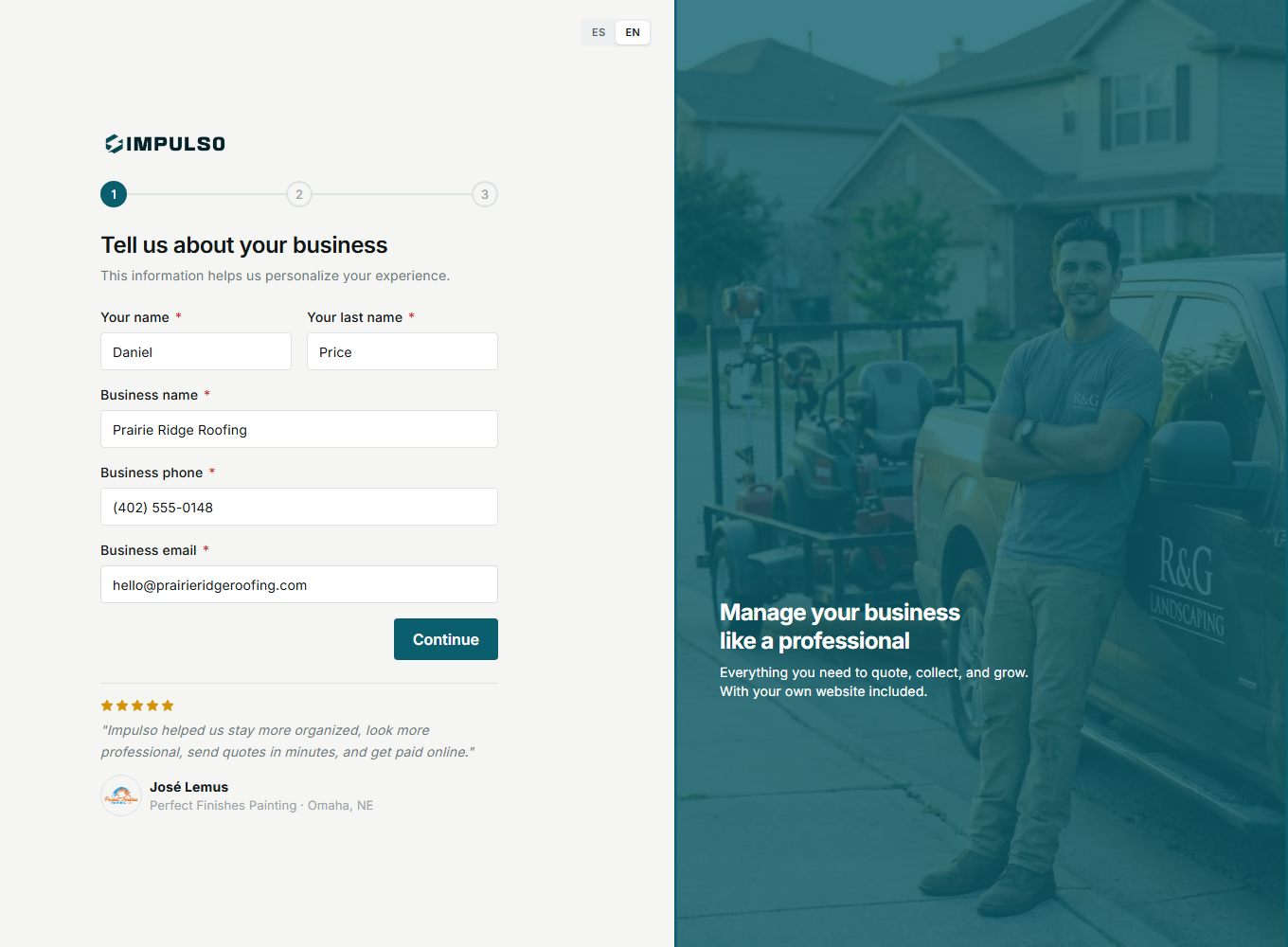
1. Enter Your Business Details
- Add your first and last name.
- Enter the business name.
- Add the business phone and email.
- Click Continue.
2. Review Before Continuing
Your business name and contact details can appear in places your team or customers see. Fix typos before moving to the next step.
3. States You May See
The progress indicator shows the current onboarding step, completed steps, and the steps still waiting for you.