

Before you start
- Use My Page from an Owner/Admin account.
- Do not press Save, Delete, Publish, Copy link, Download, or Send when you are only reviewing.
- Public-facing data may be in English when the business serves customers in the United States.
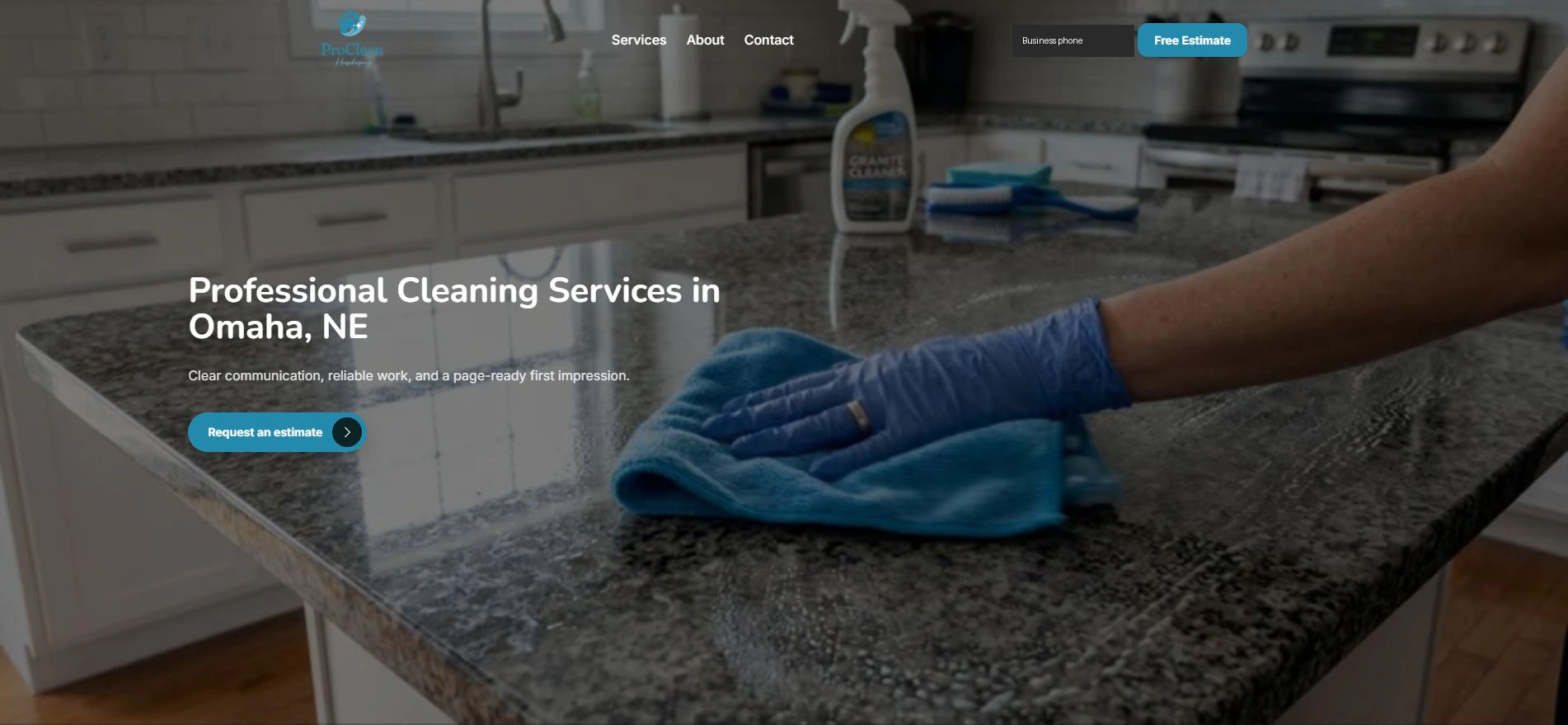
1. The customer sees the main offer
- The first screen shows name, services, and CTA.
- The customer can navigate to Services, About, or Contact.
- The content should clearly explain the service type.
2. The customer reviews services
- The page shows services and process.
- Use real service names for the United States market.
- Avoid promising services you do not provide.
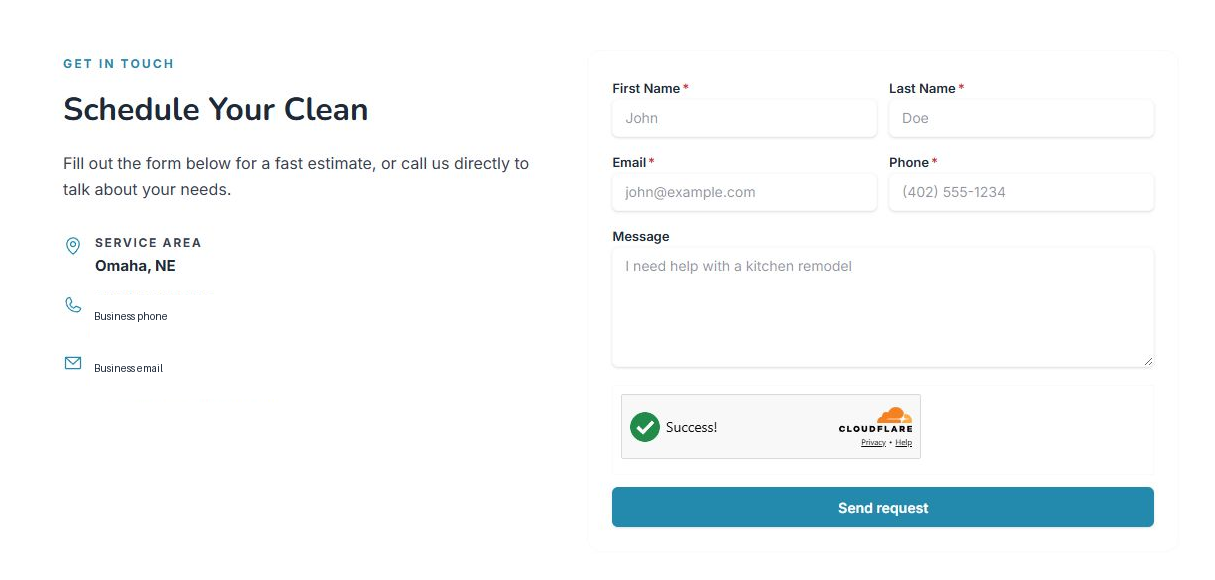
3. The customer requests an estimate
- The CTA moves to the form.
- The customer completes contact details and message.
- The request appears later in the leads inbox.
Statuses and options you may see
- Free Estimate
Means: Main CTA for requesting an estimate.
Next step: It should move to the form.
- Services
Means: Services section.
Next step: Keep it clear and current.
- Contact
Means: Section for requesting information.
Next step: Check that the form works.
- Send request
Means: Final form send.
Next step: Do not press it during review.