

1. Read the screen message
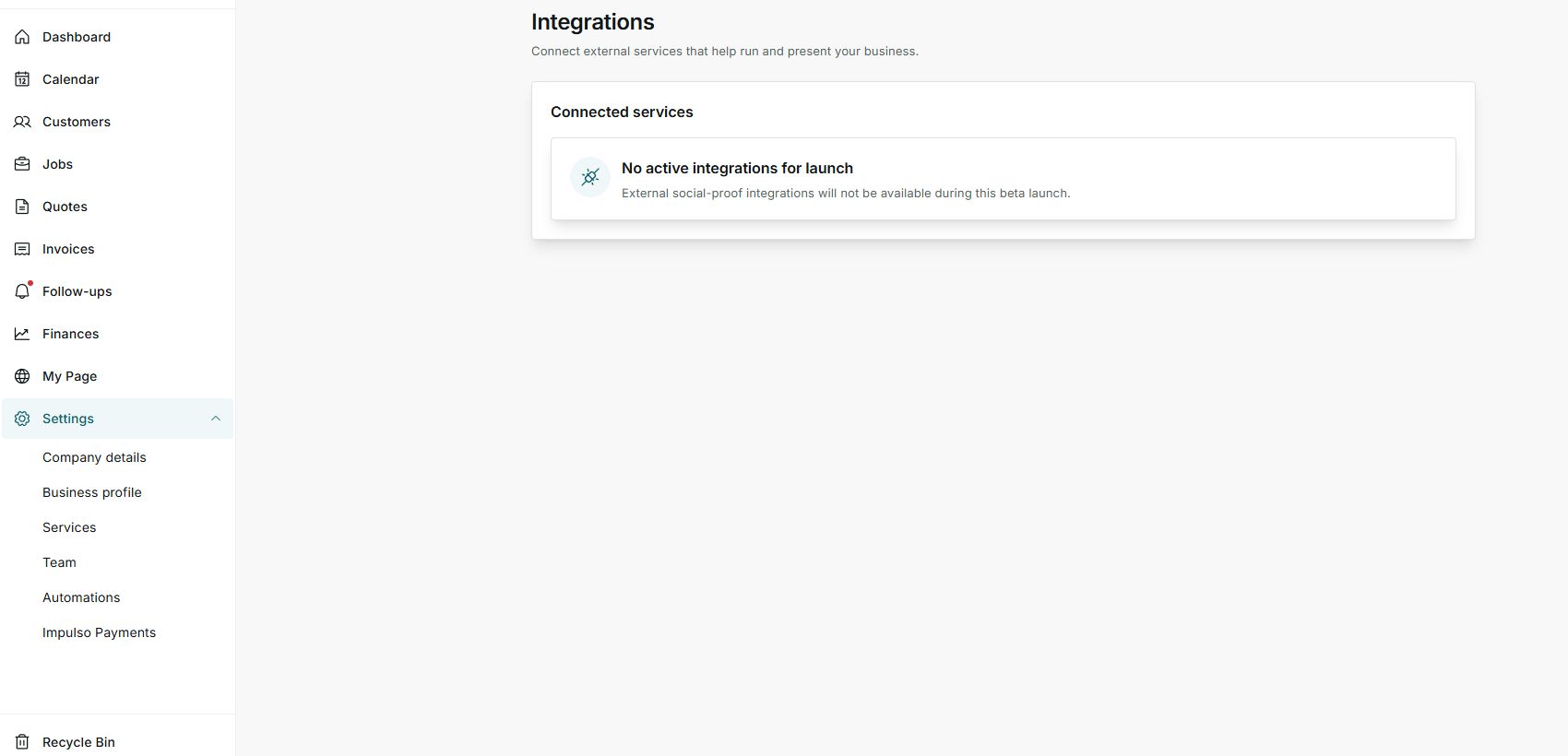
- Open Settings > Integrations.
- Look for the Connected services block.
- If you see No active integrations for launch, that is why a connect button is not shown.
2. What it means
- The integration may be reserved for a later product stage.
- It may also depend on enablement from the Impulso Pro team.
- It does not mean your account is broken.
3. What to do
- Keep working with the built-in features that are available.
- Review this screen when you need to confirm whether an integration is enabled.
- Send a help request if your operation depends on a specific service.
States you may see
- Unavailable
The integration cannot be connected from your account right now.
Next step: Wait for enablement or contact support.
- Requires setup
A step is missing before the service can be used.
Next step: Follow the visible instructions when Impulso Pro shows them.
- Connected
The integration is ready to use.
Next step: Review access and scope before relying on it.