

Before you start
- Confirm you are in the correct account before saving changes.
- Do not save, send, collect, or archive when you are only reviewing.
- Use real United States service names such as roofing, gutters, HVAC, window cleaning, or exterior painting.
1. Confirm the quote
- Open the accepted or converted quote.
- Confirm services, amount, and customer before continuing.
- Avoid creating an additional job if a related job already exists.
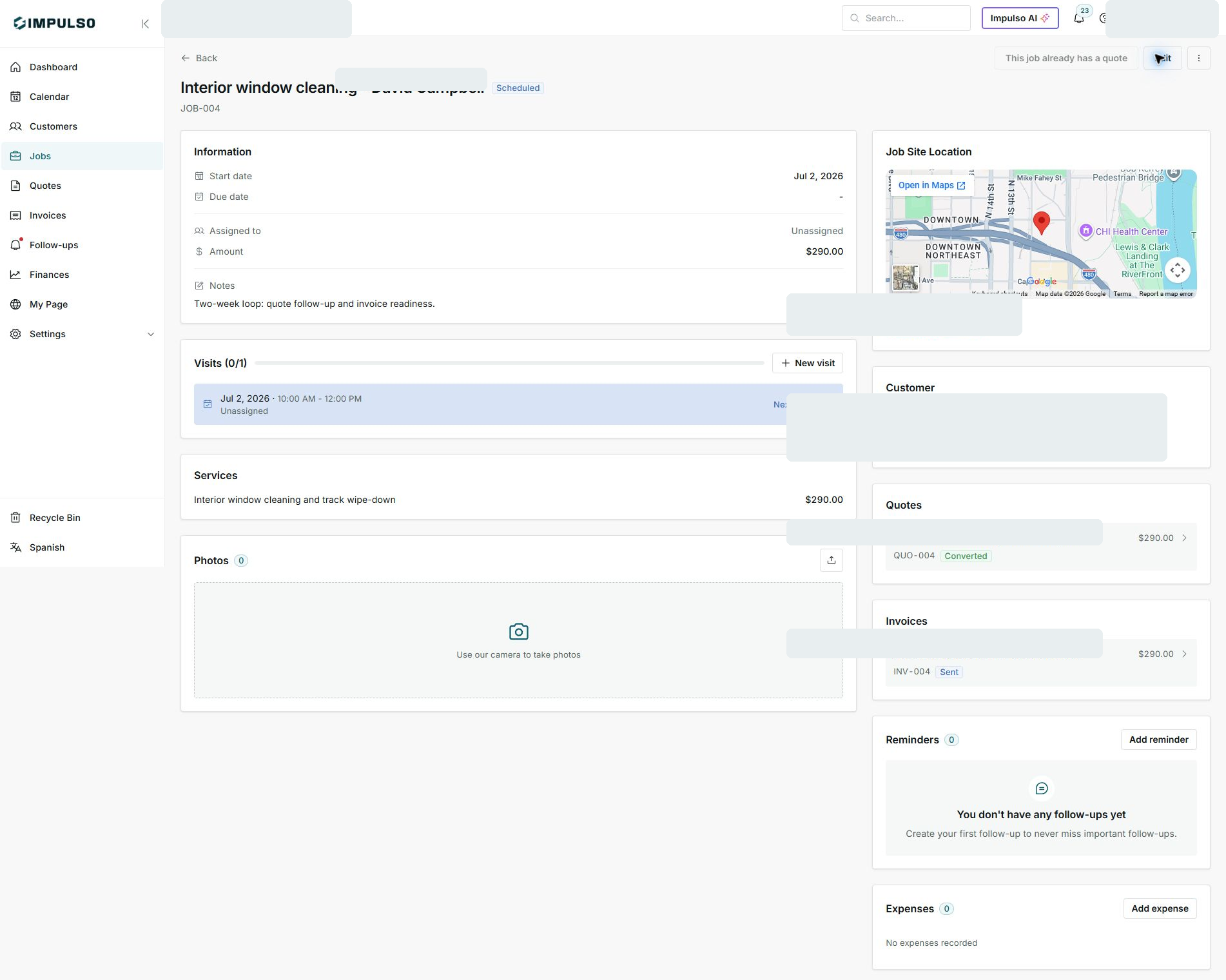
2. Open the related job
- On the job, review the Quotes card.
- Confirm the button says the job already has a quote.
- Use the quote as the source for scope and pricing.
3. Work from Jobs
- Schedule visits from the job.
- Review services and amount before invoicing.
- Use Invoices to follow up on payment.
States and options you may see
- Converted
Means: The quote has been converted into a job.
Next step: Work from the related job.
- This job already has a quote
Means: The job is already connected to a quote.
Next step: Do not duplicate it from the same quote.
- Scheduled
Means: The job has a date or visit.
Next step: Coordinate team and service work.