

Before you start
- Confirm you are in Finances before comparing amounts.
- Use period filters only when you need to review another month.
- Do not press Save, Export CSV, or Send when you are only reviewing information.
1. Open Top customers
- Go to Finances.
- In Top customers, click View all.
- Confirm you are reviewing the right period.
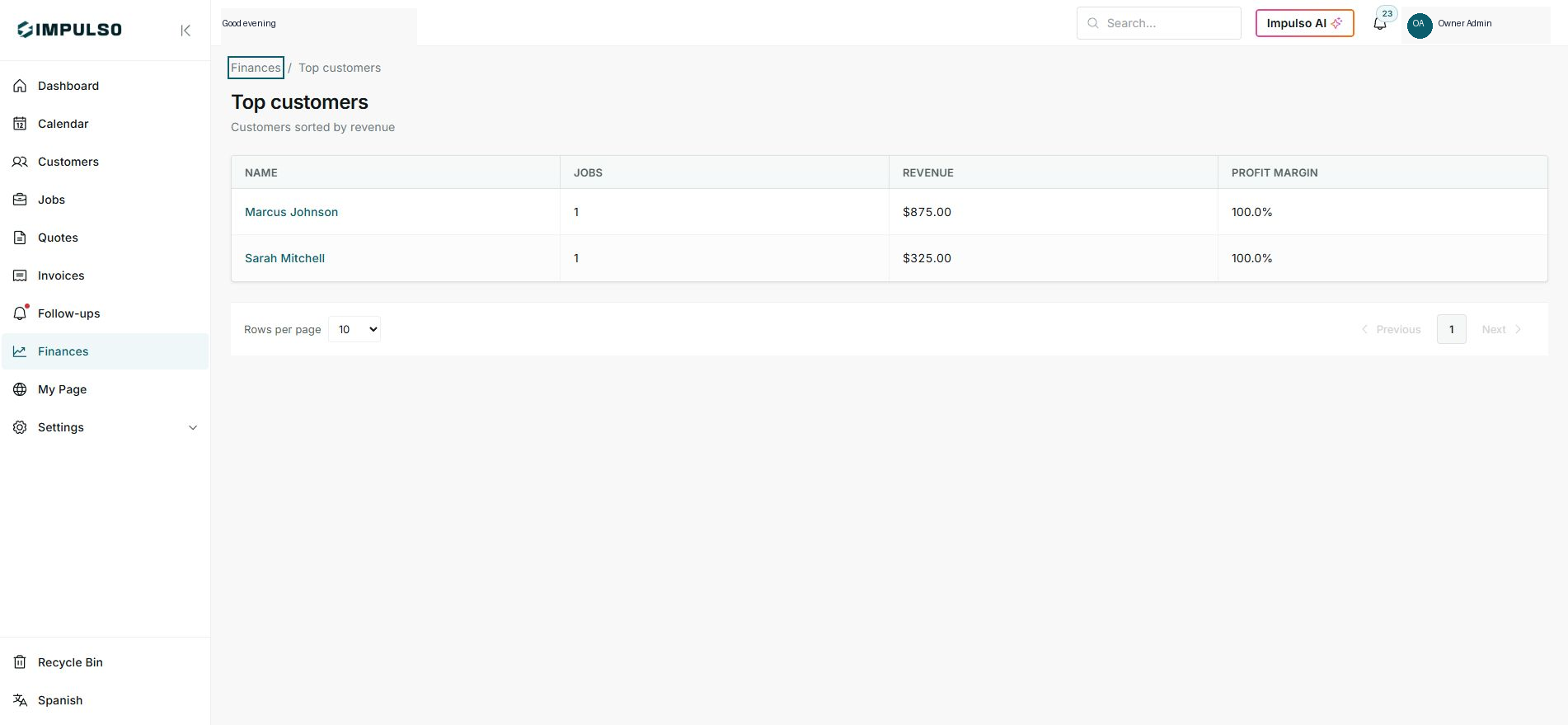
2. Read the table
- Name shows the customer.
- Jobs shows how many jobs contribute to the total.
- Revenue and Profit margin help compare customers.
3. Use the information
- Identify customers with high revenue and healthy margin.
- Review low-margin jobs before repeating the same pricing.
- Use the result to plan follow-up, renewals, or service changes.
Statuses and options you may see
- Jobs
Means: Number of customer jobs in the period.
Next step: Compare volume against revenue.
- Revenue
Means: Total revenue connected to the customer.
Next step: Use it to identify top customers.
- Profit margin
Means: Percentage of revenue left after recorded costs.
Next step: Investigate when margin is too low.
- Rows per page
Means: Controls how many customers appear in the table.
Next step: Change it only when reviewing longer lists.