

Before you start
- AI can help find information and prepare drafts.
- Important actions should be reviewed before completion.
- If you do not see an approval button or confirmation screen, do not assume anything was executed.
1. What it can do from the panel
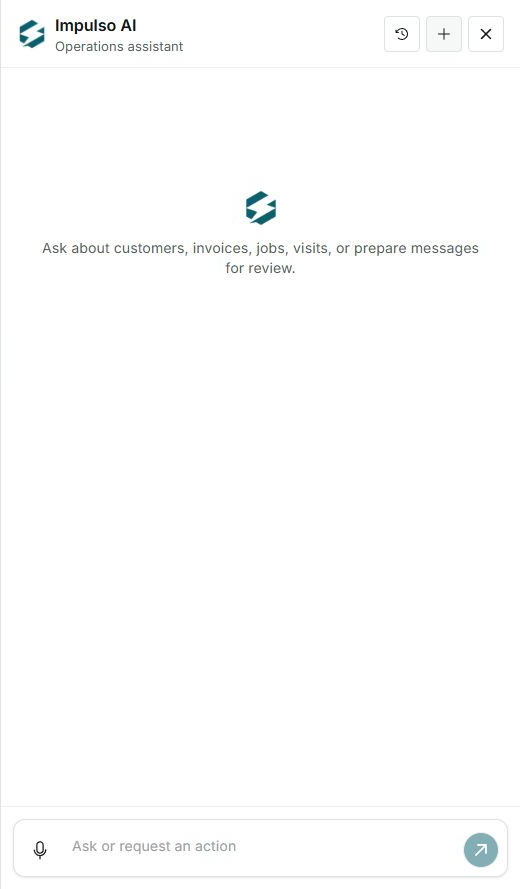
- Answer questions about customers, invoices, jobs, and visits.
- Help prepare messages or follow-up steps.
- Point you to related Impulso Pro areas so you can review data.
2. What you should not treat as automatic
- Sending customer messages without review.
- Recording payments, changing balances, or closing invoices without confirmation.
- Changing jobs, visits, customers, or settings without reviewing the correct screen.
3. Work safely
- Ask for a summary or draft first.
- Review the result in the panel and then open the related record if needed.
- Approve or save only when you are sure the content and record are correct.
Statuses and options you may see
- Prepare for review
Meaning: AI can leave an answer or draft ready for your review.
Next step: Read the content before approving or copying.
- Approval required
Meaning: Means the action should not complete without review.
Next step: Approve only if recipient, amount, date, and message are correct.
- Blocked
Meaning: The action does not complete because information or permission is missing.
Next step: Open the related screen or contact support.
- Error
Meaning: Something prevented the request from completing.
Next step: Review the data and try again from the correct screen.