

Before You Start
- Use the exact email address that received the invitation.
- Open the most recent invitation sent by your team.
- Do not create a new account if you were already invited to an existing business.
1. Identify the Message
When the link does not include the information Impulso Pro needs, the page shows that the invitation information is missing.
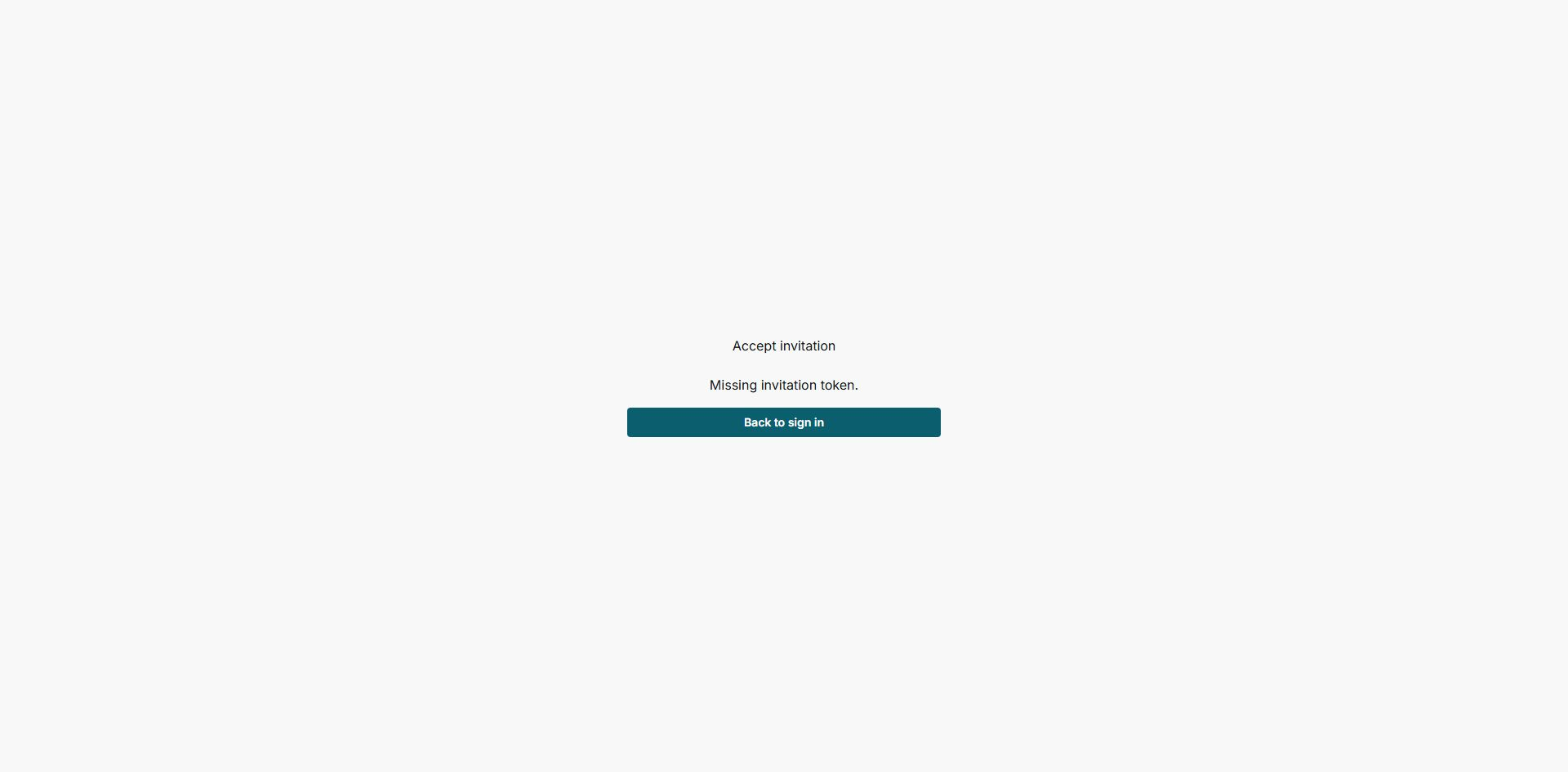
This message appears when the link does not include the information needed to open the invitation.
2. Check Whether the Link Is Incorrect
If the link includes information but it does not match a valid invitation, Impulso Pro shows that the invitation cannot be opened.
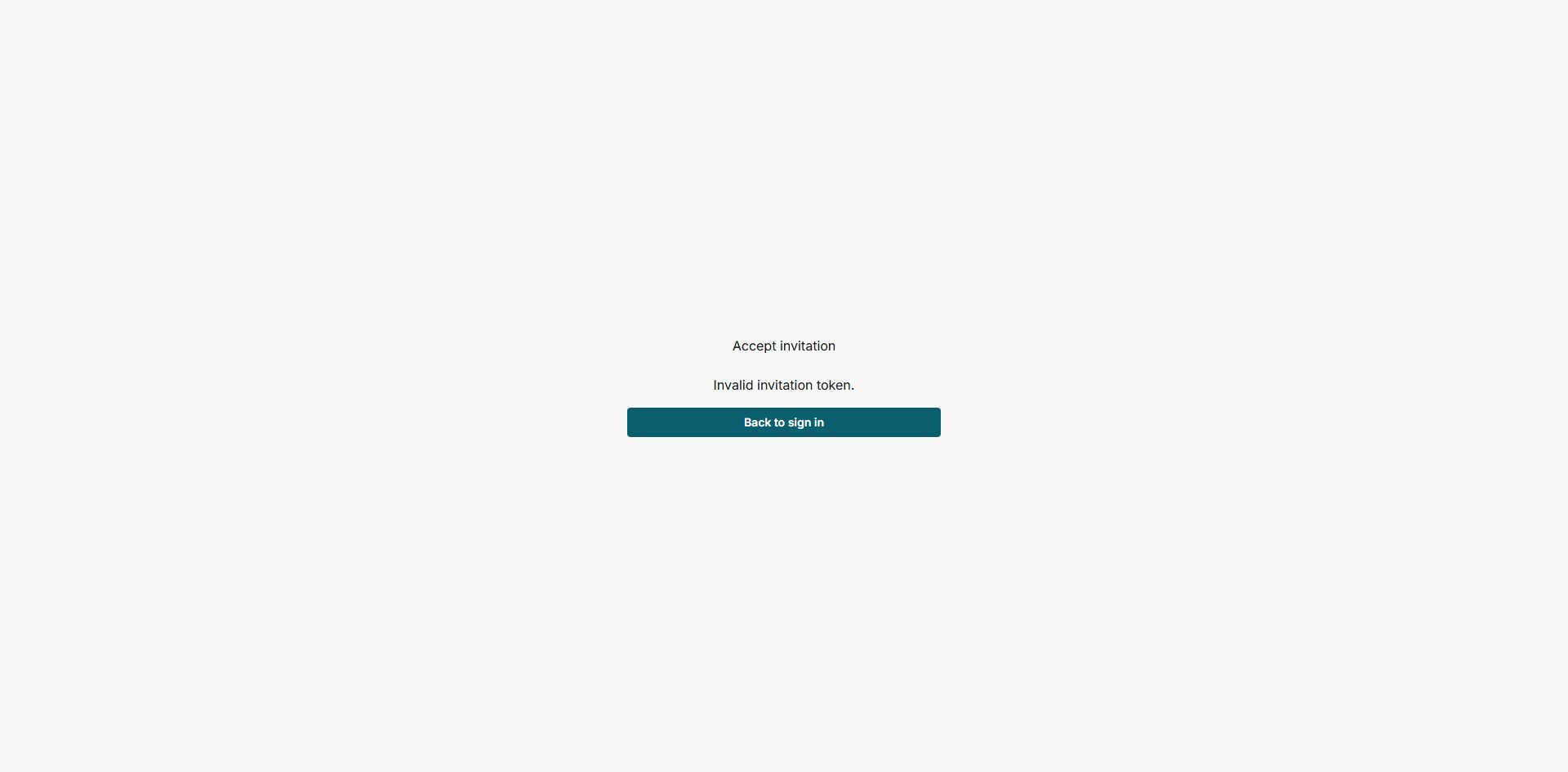
This can happen if the link was copied incompletely, replaced by a newer invitation, or is no longer available.
3. Ask for a New Invitation
- Reply to the Owner/Admin who invited you, or contact them through your normal team channel.
- Ask them to cancel or ignore the old invitation and send a new one.
- Open the new email from the same email address that received it.
- If the new link asks you to sign in, use that same email address.
4. States You May See
These states explain what happened to the invitation and what to do next.
- Pending invitation
Meaning: the invitation is still waiting for you to accept it. Where it appears: for the Owner/Admin in the team area. Next step: open the most recent email. It does not mean: you are already inside the business.
- Expired invitation
Meaning: the invitation can no longer be used. Where it appears: when the link expired or was replaced. Next step: ask for a new invitation. It does not mean: your team permanently removed your access.
- Invalid link
Meaning: the link does not open a valid invitation. Where it appears: when information is missing or the link is incomplete. Next step: use the original email or ask for a new link. It does not mean: you should create a new business.
- Expired link
Meaning: the link is past its usable time. Where it appears: when opening an old invitation. Next step: ask the Owner/Admin to resend the invitation. It does not mean: your email cannot be invited again.
5. What to Send If You Need Help
- The email address that received the invitation.
- The name of the business you are trying to join.
- A screenshot of the message you see, without sharing passwords.
- The approximate date when you received the invitation.